Gold PheniX Signal · Official App Gateway
Install the Castle.
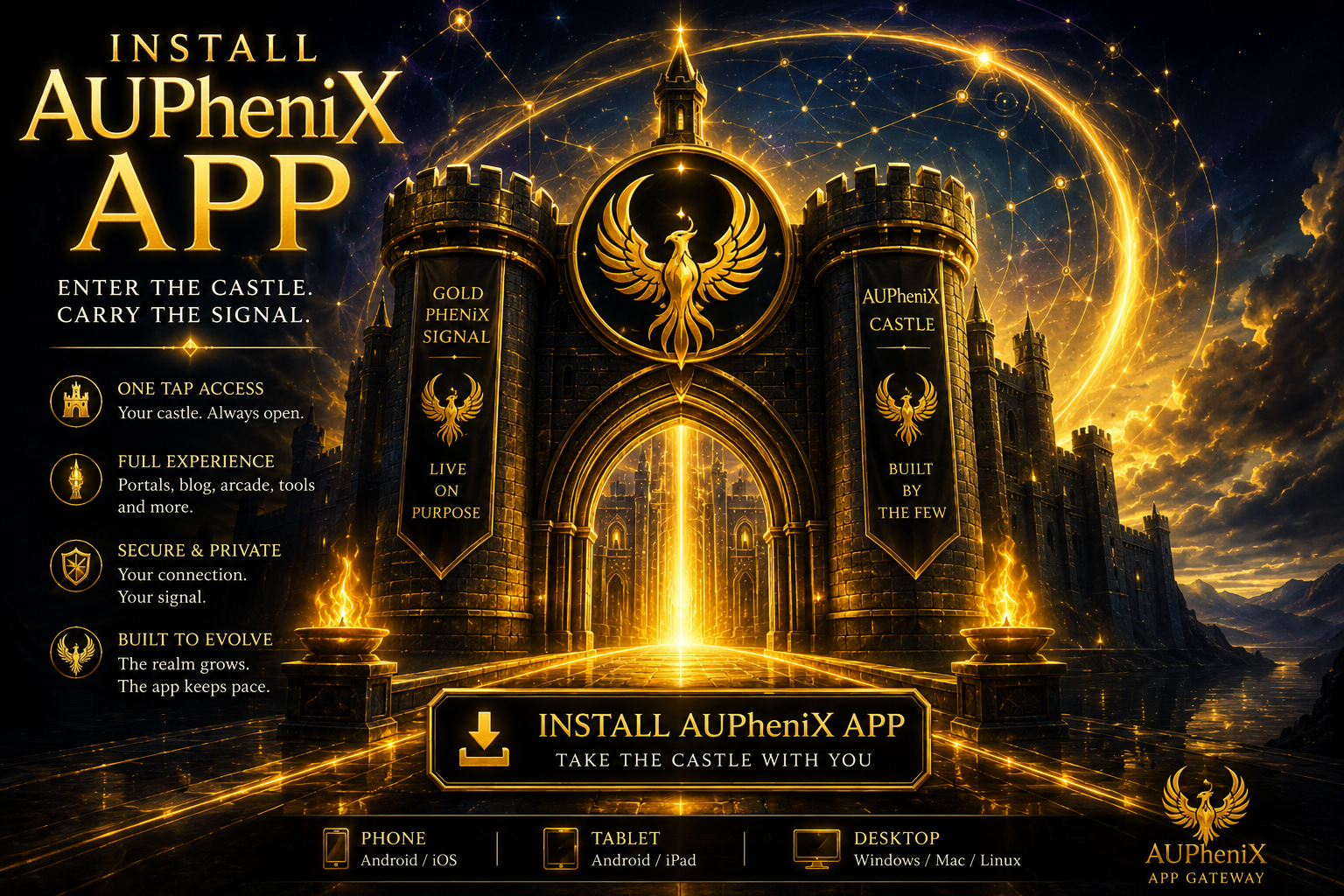
The AUPheniX app lives here at GoldPheniXSignal.com. Install the castle as a standalone app, open it from your home screen or desktop, and carry the Signal without digging through browser tabs.
Install signal scanning... If your browser supports direct installation, the gold button will activate.
If it does not activate, use the browser install icon or the manual directions below.
Chrome / Edge Desktop
Best path for Windows, Mac, Linux, and Chromebook users.
- Open this page in Chrome or Edge.
- Look in the address bar for the Install icon, usually a plus symbol or monitor icon.
- Click Install AUPheniX App.
- The castle opens as its own app window.
Android
Install the castle to your home screen from Chrome.
- Open this page in Chrome on Android.
- Tap the browser menu.
- Choose Install app or Add to Home screen.
- Launch AUPheniX from the new home-screen icon.
iPhone / iPad
Apple devices usually install web apps through Safari.
- Open this page in Safari.
- Tap the Share button.
- Choose Add to Home Screen.
- Tap Add.
What This Installs
This installs GoldPheniXSignal.com as the AUPheniX Castle app: a standalone gateway into the Gate, Chambers, portals, blog, arcade paths, future rooms, signal tools, and evolving mythic systems.
If the install option does not appear, the app may already be installed, the browser may not support direct PWA installation,
or the manifest/service worker may need a small adjustment. Try Chrome, Edge, Android Chrome, or Safari’s “Add to Home Screen.”