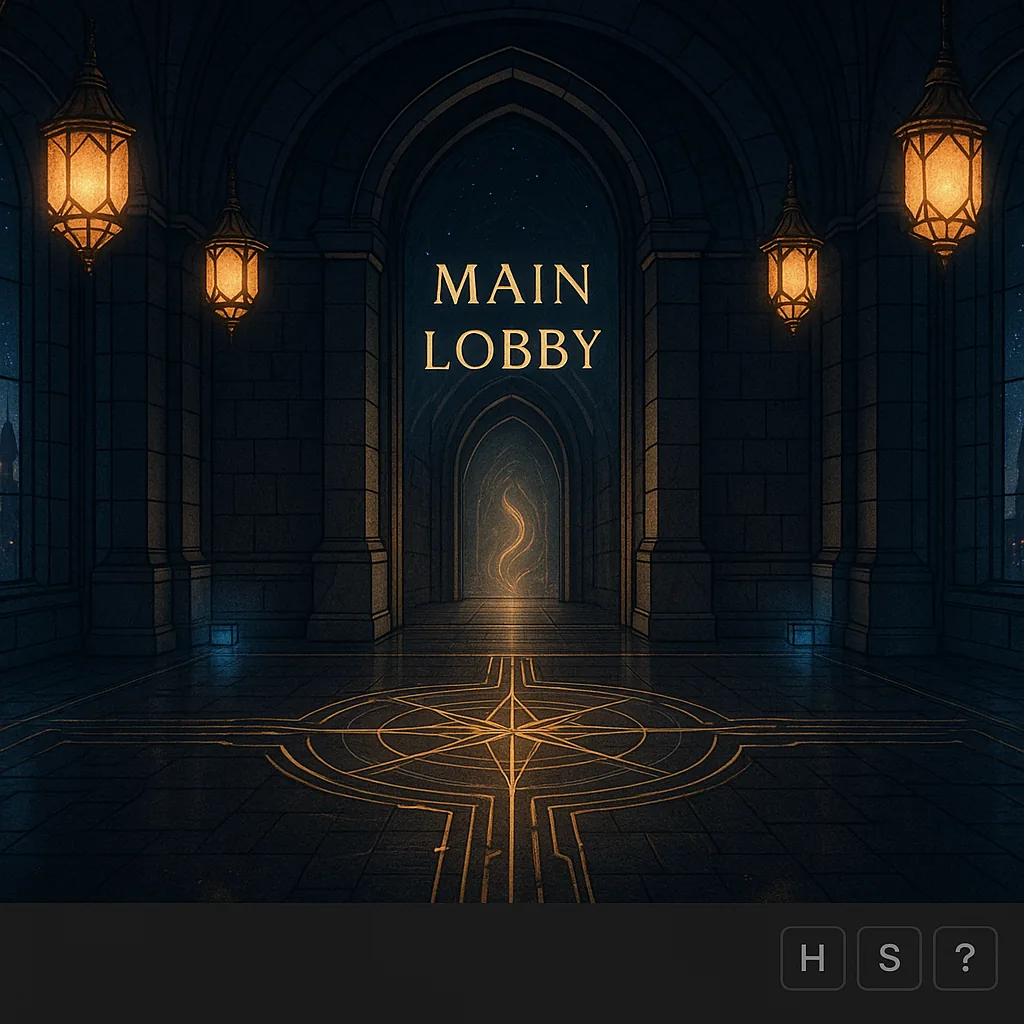
How the Main Lobby Works
Think of this as the castle’s grand router. Every longer journey in the AUPheniX
dimension passes through here at some point.
The navigation footer you see below is live and wired just like every other room: Up/Down for floors, N/S/E/W for wings, and a dedicated Teleport button for surprise jumps into the castle.
- Up / Down: moves between Penthouse, 2nd Floor Shopping, Main Lobby, and Sub-Level.
- N / S / W / E: step into featured wings like lounges, labs, and hidden corridors.
- Teleport: throws you to a random live room from the Main Lobby pool.
- Wallet & Audio: always docked; the AUP pill opens your full wallet, and the Frequencies pill controls castle audio.
Below is the reference preview pill for this room only. The footer at the bottom is the real, universal navigation bar that the entire castle will share.
Preview • Main Lobby Footer Snapshot
AUPheniX Castle • Main Lobby
This room: /aupcastle/mainlobby.html
AUP:
000
Arrow States & Door Types
Same state system as the Navigation Lab — but now wired to real destinations
from the heart of the castle.
- States (class / data-state)
- active disabled locked riddle secret
- Active
- Main Lobby arrows that already lead to live rooms — Sub-Level, 420 Lounge, Mixing Desk, Labyrinth, etc.
- Disabled
- Planned doors not wired yet. They’ll light up when those wings come online.
- Locked
- Boss doors, story gates, or deep-lore areas that are present but sealed for now.
- Riddle
- Doors that unlock only after solving puzzles or hitting certain frequency thresholds.
- Secret
- Hidden routes & event-based doors. The lobby will quietly expose more of these over time.
As the castle grows, this room stays the orientation point. If players ever feel lost, they can always jump back here and re-route using the footer.